
How to Send Invoices by Text Message (For Tradespeople)
Customers who receive invoices by text pay faster than customers who receive them by email. Here's why SMS invoicing works, how to set it up, and what to look for in a tool that handles it without friction.
Why SMS Invoicing Works Better Than Email
Email invoice open rates for small businesses average around 30–40%. SMS open rates are consistently around 95%, and most text messages are read within 3 minutes of receipt.
That gap explains why tradespeople who switch from emailing invoices to texting them report getting paid significantly faster, not because customers are more willing to pay, but because the invoice gets seen immediately rather than sitting in an inbox until "later."
There's also a practical advantage: the customer's phone number is already how they communicate with you. When the conversation about the job happens over text, following up in the same thread with an invoice is a natural continuation. Sending a separate email to a different inbox breaks that flow.
How SMS Invoicing Works
The mechanics are simple:
- Job is complete. You build the invoice: line items, totals, any notes.
- The invoice generates a secure payment link (typically powered by Stripe).
- You send that link as a text to the customer: "Here's your invoice for today's work: [link]"
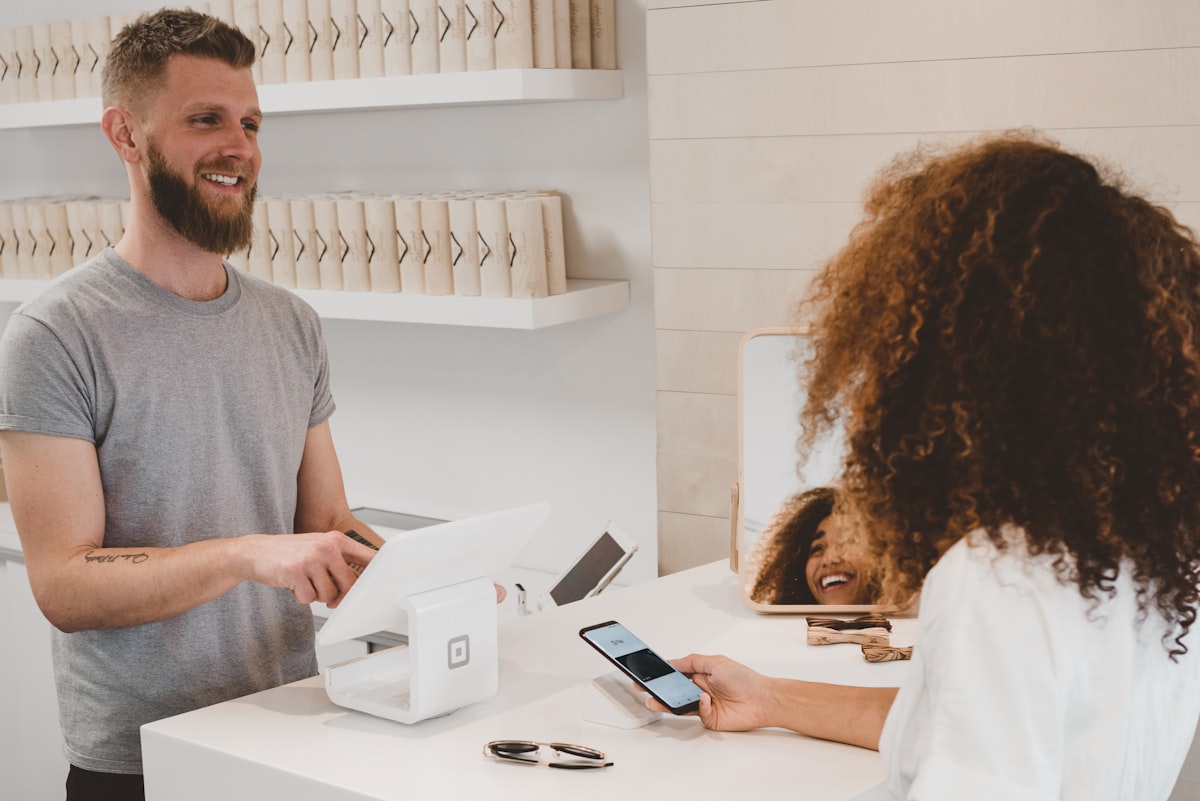
- Customer taps the link, sees the branded invoice on a mobile-friendly page, and pays by card.
- Payment is deposited directly to your bank account (minus Stripe's standard processing fee).
The customer never needs to log in to anything, download an app, or set up an account. They tap a link and pay. That's it.
What You Need to Set This Up
A Stripe Account
Stripe is the payment processor used by most modern invoicing tools. It's free to set up. You pay only when you process a transaction (2.9% + $0.30 per card payment in Canada/US). Your money goes directly to your bank account on a 2-day rolling payout schedule.
Stripe is straightforward to set up: create an account at stripe.com, add your business and banking details, and you're ready to accept payments.
An Invoicing Tool That Generates Payment Links
You need software that can create an invoice and produce a shareable payment URL, not just a PDF. The link should open a mobile-optimized page where the customer can pay by card without any friction.
Options range from:
- Stripe Invoicing (built into Stripe): basic but functional, generates a hosted invoice page with a payment link. Free to use; you pay only the standard processing fee.
- Wave (free): simple invoicing with Stripe or Wave Payments integration. Sends by email natively; you can share the invoice link by SMS manually.
- QuickBooks or Xero: full accounting with invoicing. More setup and monthly cost, but generates shareable payment links.
- SyncSpark: invoicing built directly into the SMS thread. You build the invoice from the conversation context, and the payment link goes out as part of the thread without switching apps. Launching March 2026.
The Workflow That Gets You Paid Fastest
The fastest payment cycle looks like this:
- Confirm the job over SMS. "All done. Here's what we did: [brief summary]."
- Send the invoice in the same thread. "Here's your invoice: [link]. Card payment accepted. Let me know if you have any questions."
- Follow up once if needed. If unpaid after 48 hours: "Just checking in on the invoice. Happy to answer any questions."
Sending the invoice in the same conversation where the job was booked and confirmed is the key. The customer has context, the thread is already open on their phone, and the invoice link is one tap away from the message they just received.
Handling Deposits and Partial Payments
For larger jobs, collecting a deposit before work starts is standard practice. SMS invoicing works equally well for deposits:
- Create a deposit invoice for the agreed amount (e.g., 50% upfront)
- Send it before the job starts: "Here's the deposit invoice to confirm the booking: [link]"
- Send the balance invoice when the job is complete
Some invoicing tools (including Stripe Invoicing and SyncSpark) allow you to mark an invoice as partially paid and track the remaining balance, so you always know exactly where each job stands.
What Customers Think of SMS Invoices
Most customers have a positive reaction. They appreciate the convenience of paying by phone without logging in anywhere. The key is that the payment page looks professional and trustworthy, which is why using a recognized processor like Stripe matters.
A branded invoice page with your business name, job description, and a clean Stripe payment form reads as professional and legitimate. A handwritten invoice photo or a PayPal.me link does not.
The Bottom Line
SMS invoicing isn't a new technology. It's a straightforward application of tools that already exist (Stripe, a shareable payment link, your phone). The reason more tradespeople don't do it is mostly friction: getting set up, remembering to send the link, and switching between apps mid-workflow.
Getting paid faster matters, but the bigger question for most trades is getting more work in and not losing the calls you miss while you are on a job. That is what SyncSpark's trades growth is built for: a site that ranks, Google Ads with a lower cost per lead, AI search visibility, and an AI receptionist that answers and texts back missed calls so no lead slips away.
Free check
See where your website stands
Enter your website for a free scorecard, with the fixes that matter most for a small business.
Grades speed, mobile, Google visibility and AI visibility, with the fixes that matter most. Results in about a minute.
Want a hand?
Want your whole business working while you're on the job, not just invoicing?
SyncSpark runs the website, Google Ads, and AI search visibility for trades businesses under one flat monthly fee, with an AI receptionist add-on so calls get answered even when you can't pick up.
See More Leads for Trades