
Best AI Tools for Small Business in Canada (2026): 7 That Actually Save Time
Skip the hype. Seven AI tools Canadian small businesses actually use in 2026 to save 5 to 10 hours a week on content, invoicing, scheduling, and customer calls. With realistic time-saved estimates and Canadian privacy notes.
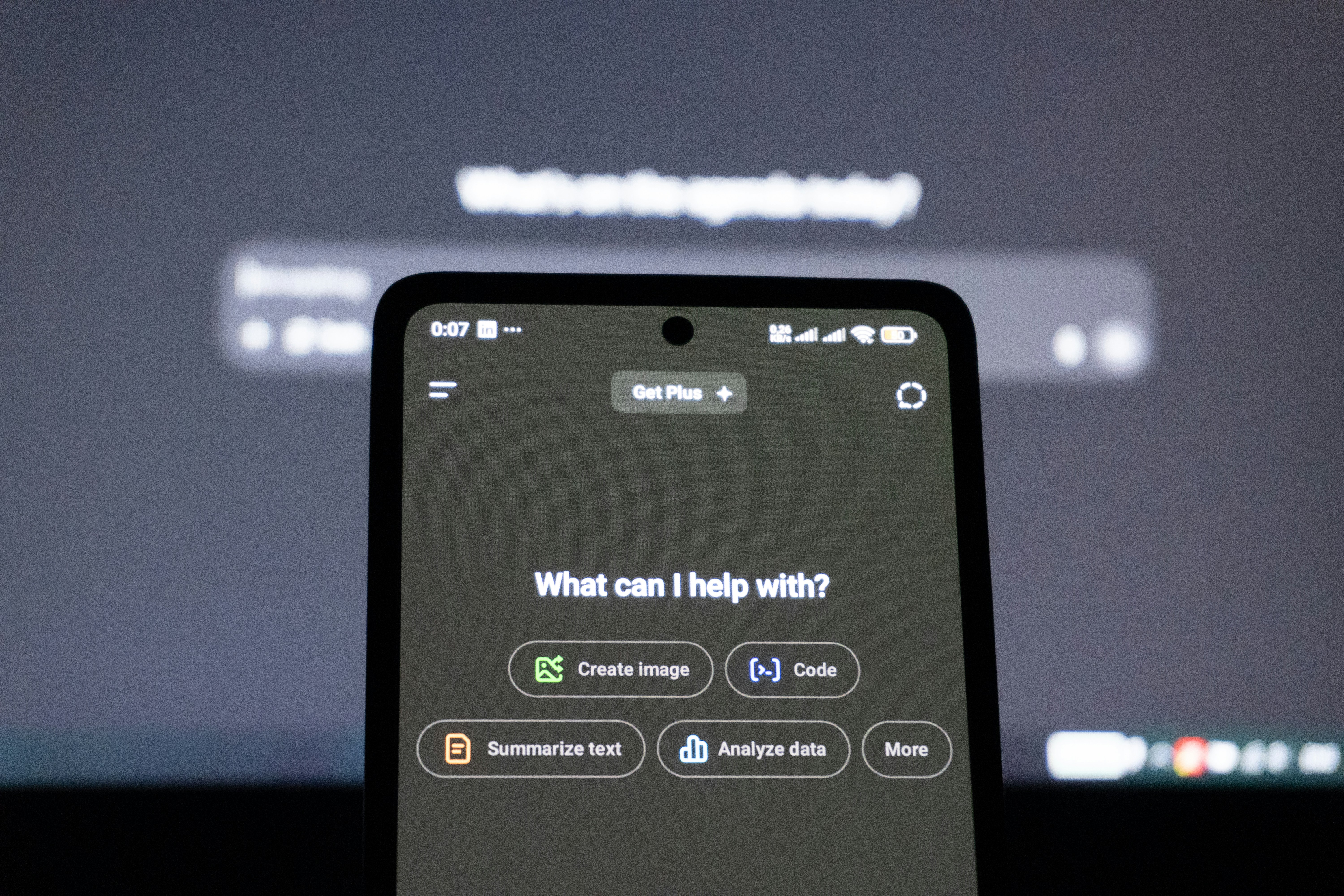
1. ChatGPT: Content and Communication
What it is: The most widely used AI assistant, from OpenAI. The paid version (ChatGPT Plus, ~$28 CAD/month) includes GPT-4o and web browsing.
Best uses for small business:
- Drafting quotes, proposals, and follow-up emails
- Writing Google Business Profile posts and social media content
- Creating first drafts of blog posts or service page copy
- Generating FAQ content for your website
- Summarizing long documents or research
- Drafting job postings and company policies
Realistic time saving: 30 minutes to 2 hours per week for a business owner who communicates regularly in writing.
2. Claude: Writing and Analysis
What it is: Anthropic's AI assistant, often preferred over ChatGPT for nuanced writing and longer-form content. Claude Pro is ~$28 CAD/month.
Best uses: Long-form content, complex writing tasks, analyzing documents or contracts (analysis only, not legal advice), and situations where tone and nuance matter more than speed.
Realistic time saving: 1-3 hours per week for business owners producing regular written content or proposals.
3. Perplexity: Research
What it is: An AI search engine that cites sources. Unlike ChatGPT, it has real-time web access by default and shows where its answers come from.
Best uses: Researching competitors, finding stats for proposals, staying current on industry news, and answering factual questions where you need a source you can verify.
Realistic time saving: 30-60 minutes per week on research tasks that previously required opening 10 browser tabs.
4. Zapier: Workflow Automation
What it is: A no-code automation platform that connects your apps. Recent AI features allow more intelligent, conditional automations without writing code.
Best uses for small business:
- Auto-send a follow-up email when someone fills out your contact form
- Add form submissions to your CRM automatically
- Send SMS notifications when new leads come in
- Log Google Calendar events from booking confirmations
Cost: Free for up to 100 tasks/month, paid plans from ~$28 CAD/month.
Realistic time saving: 1-4 hours per week once automations are set up, depending on how many repetitive handoffs your business has.
5. Grammarly: Professional Communication
What it is: AI-powered writing assistant that checks grammar, tone, and clarity in real-time across your browser and email client.
Best uses: Customer-facing emails, quotes, proposals, social posts. Catches errors before they reach clients and flags when your tone reads as harsher than intended.
Cost: Free version is useful for most; Pro is ~$18 CAD/month.
6. Otter.ai: Meeting Transcription
What it is: AI transcription for meetings, calls, and interviews. Records, transcribes, and summarizes in real-time.
Best uses: Transcribe discovery calls so you can reference exact details in proposals without relying on memory. Capture team meetings so everyone has searchable notes. Record ideas while driving.
Cost: Free for 300 minutes/month; paid from ~$18 CAD/month.
7. AI Webchat, Voice, and Text Automation
What it is: A layer of AI built specifically around your business: a chat widget on your website trained on your services and pricing, an AI voice receptionist (via platforms like VAPI) that handles inbound calls after hours, and automated text follow-ups when leads come in.
Why this is different from the tools above: ChatGPT and Claude are general-purpose. This category is configured for your specific business. The AI knows your service area, your pricing range, your booking process, and your FAQs. It can answer "do you service Burnaby?" and "what's the starting cost for a bathroom reno?" without sounding like a generic bot.
Best uses:
- After-hours lead capture (chat and voice) when competitors' phones go to voicemail
- Instant text follow-up to new web leads before they move on
- Answering common pre-sale questions 24/7 without owner time
- Routing inbound calls based on intent
Realistic time saving: 3-6 hours per week for service businesses with consistent inbound inquiry volume. More importantly, it captures leads that currently go unanswered.
SyncSpark sets this up for Canadian small businesses. Book a free discovery call to see what's realistic for your operation.
What Are AI Systems for Canadian Service Businesses?
Everything above this point is a tool: something a person opens and uses. An AI system is different. It runs in the background of the business itself, whether or not anyone is at a desk. For a Canadian service business, that means a chat widget trained on your services and pricing, a voice receptionist that picks up after-hours calls, or automated text follow-up the moment a lead comes in. The distinction matters because tools save the owner time on tasks they already do, while a system captures business that would otherwise be lost entirely, an after-hours call, a website visitor who leaves without asking a question, a lead that goes cold waiting for a callback.
The Founder's Shortlist: If You're Running Solo
If you're pre-team and need to pick two or three tools to start with, prioritize in this order:
- ChatGPT (free to start): handles the widest range of tasks immediately
- Zapier (free tier): one automation that saves you 30 minutes daily pays for itself in a week
- AI webchat or text follow-up: if you have inbound leads going unanswered, this is the highest-ROI move on this list
Add Otter.ai, Claude, Grammarly, and Perplexity once you have the core three running. Don't try to adopt all seven at once.
What AI Is Good At (and Where It Still Falls Short)
AI is good at: Drafting content quickly, summarizing information, answering common questions, generating options to choose from, handling repetitive text tasks, and research.
AI still struggles with: Accuracy on specific factual claims (it can hallucinate), judgment calls that require knowing your business deeply, nuanced relationship management, and anything requiring real-time information unless it has web access.
The highest-value use cases are ones where AI handles the first 80% of a task and a human reviews the last 20%.
A Note on Canadian Privacy Law
Canada's privacy legislation (PIPEDA, and Quebec's Law 25) has implications for AI use with customer data. The practical rules:
- Do not input personally identifiable customer information (names, emails, addresses) into public AI tools like ChatGPT
- If using AI to process customer data, ensure your vendor has appropriate data processing agreements
- Quebec's Law 25 has stricter requirements: if you have Quebec customers, verify compliance before automating customer-data workflows
For most AI use cases (drafting content, research, writing assistance), privacy concerns are minimal as long as you are not feeding customer PII into public models.
Where to Start This Week
- Day 1: Sign up for ChatGPT (free) and use it to draft 3 social media posts. See how it does with your voice.
- Day 2: Use ChatGPT to write one follow-up email template for after a discovery call or estimate visit.
- Day 3: Use Perplexity to research one competitor or one question your customers ask most often.
- Day 4: Set up one Zapier automation: "When someone fills out my contact form, send me an SMS."
- Day 5: Review what worked. AI tools improve significantly the more you learn to prompt them effectively.
The tools above are the off-the-shelf starting points. When the need is specific to your business, say a private assistant that can answer questions across years of your own documents and projects, the answer is a custom build, not a subscription. That is what we do under custom AI solutions: AI grounded in your own data, with guardrails, citing every answer. When the job is getting AI to do the repeat work inside your own workflows, see our AI automation agency for Canadian businesses page, or the Vancouver one if you are local.
Need help identifying where AI can save your business the most time, or want a custom chatbot, voice receptionist, or text automation built for your operation? Book a free discovery call.
Wondering if this would work for your business?
Describe what you have in mind. Within one business day you get a straight answer: whether it is worth doing, what it would take, and what to try with ChatGPT first.
Want a hand?
Want AI that runs inside your business, not just tools you operate yourself?
The tools above are things you use. A custom AI build is different: a chatbot or assistant trained on your own data and services that works whether you are at your desk or not. Every engagement starts with a fixed-fee discovery on a slice of your real data, so you see it working before committing to the full build.
Explore AI Solutions